
Start a Website with the Right Hosting from Day One
Independent hosting reviews, step-by-step guides, and proven strategies to help you create, grow, and succeed online without wasting time and money.
- Real test results & performance data
- Unbiased review & expert recommendations
- Save time, money, and avoid costly mistake
In-depth Guides
Hosting Reviews
Happy Readers
Genuine Reviews
- Real test results & performance data
- Unbiased review & expert recommendations
- Save time, money, and avoid costly mistake


Best Hosting For Beginners
- Fast
- Secure
- Reliable
Starting at
$2.99/mo
Everything You Need toLaunch, Grow & Succeed Online
Simple guides, honest reviews, and proven strategies to help you create a website, get traffic, and make money online.

Find The Right Hosting
We test and review the best hosting providers so you can choose with confidence.

Build Your Website
Step-by-step tutorials to help you build a stunning website even if you’re a beginner.

Grow Your Traffic
Learn SEO, content marketing, and proven strategies to bring more visitors to your site.

Make Money Online
Discover legit ways to make money from your website and turn your passion into profit.

Trusted by 400K+ monthly readers worldwide


Why Thousands of Website Owners Trust Elegant Espace
We have committed to helping you make the right choices and succeed online.
We Test Before We Recommend
Every hosting and tool we recommend is tested for performance, features, usability, and value.
Simple Guide Anyone Can Follow
Our step-by-step guides are beginner-friendly with clear instructions and real-world examples.
Honest Review, No Paid Ranking
Our reviews are 100% independent. We don’t accept payment to promote any hosting or tool.
Save Time & Avoid Costly Mistake
We help you avoid wrong decisions, so you can save time, money, and focus on growing your website.
In-depth Guides
Product Reviews
Monthly Readers
Genuine Reviews
Top Hosting Providers You Can Trust
Compare the best web hosting providers based on speed, reliability, features, pricing, and overall value to find the right hosting for your website.

Hostinger Review
Best Overall Hosting
- Free Domain
- Free SSL
- AI Website Builder
- LiteSpeed Servers
- 24/7 Live Support
From $2.99/mo
Renews at regular pricing.

Bluehost Review
Best for Beginners
- Free Domain
- Free SSL
- One-Click WordPress
- 24/7 Support
- Beginner Friendly
From $1.99/mo
Renews at regular pricing.

Hosting.com Review
Best Value Hosting
- Turbo Server
- Free SSL
- NVMe Storage
- Free Migration
- 24/7 Support
From $2.99/mo
Renews at regular pricing.

Kinsta Review
Best Premium Hosting
- Google Cloud Platform
- Premium CDN
- Daily Backups
- Expert Support
- Enterprise Security
From $30.00/mo
Renews at regular pricing.
How We Evaluate Hosting
Performance Testing
Reliability Check
Beginner Experience
Pricing Analysis
Every hosting provider is evaluated for performance, reliability, ease of use, customer support, pricing, and overall value before being recommended.
Latest Tutorials, Reviews & Guides
Learn how to build websites, choose the right tools, grow your traffic, and make money online with practical step-by-step guides.
- Filter
Get The Free Website Launch Checklist
Step-by-step checklist to launch your website the right way.
- No spam
- Unsubscribe anytime
- 100% Free
Start a Blog That Attracts Readers & Generates Income
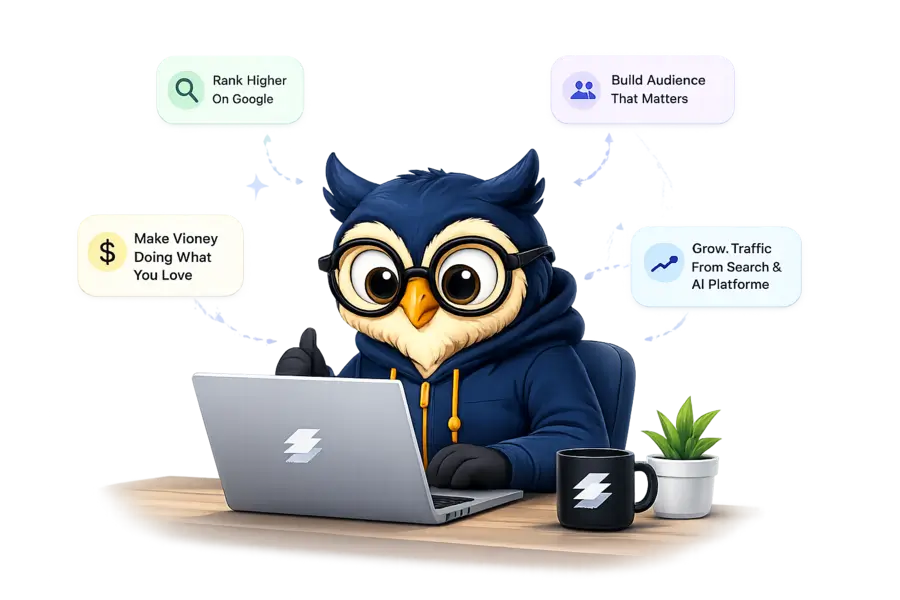
Follow our proven, beginner-friendly process to build your blog from scratch and turn it into a profitable online asset.
FAQ
Most frequent questions and answers on blogging
1. How do I start a website as a beginner?
👉 The easiest way is to:
Choose a domain name
Get web hosting
Install WordPress
Customize your website
👉 You can follow our step-by-step guide to create a website to get started quickly.
2. Which hosting is best for beginners?
👉 For beginners, you should choose hosting that is:
✔ Easy to use
✔ Fast and reliable
✔ Affordable
👉 Most beginners prefer Hostinger because it offers a simple setup and great performance.
3. How much does it cost to start a website?
👉 You can start a website for as low as:
✔ $1.99/month for hosting
✔ Free domain (included with some plans)
👉 Overall, you can launch a website on a small budget.
4. Do I need coding knowledge to build a website?
5. What are the essential plugins for a website?
👉 You only need a few plugins to start:
✔ Elementor (design)
✔ Yoast SEO (SEO)
✔ LiteSpeed Cache (speed)
✔ WPForms (forms)
👉 These are enough for most beginners.
6. How long does it take to create a website?
👉 You can create a basic website in:
✔ 1–2 hours (setup)
✔ 1–2 days (complete design)
👉 It depends on how much customization you want.
7. Can I make money from my website?
👉 Yes, you can earn money through:
✔ Affiliate marketing
✔ Selling services
✔ Ads
✔ Digital products
👉 Many beginners start earning within a few months.
8. What should I do after creating a website?
👉 Focus on:
✔ Creating content
✔ SEO optimization
✔ Promoting your website
✔ Monetization
👉 Growth comes with consistency.